Preserving Your Family Legacy Through Professional Photo Digitization in Louisville
T.K. Broecker / 23 November 2025
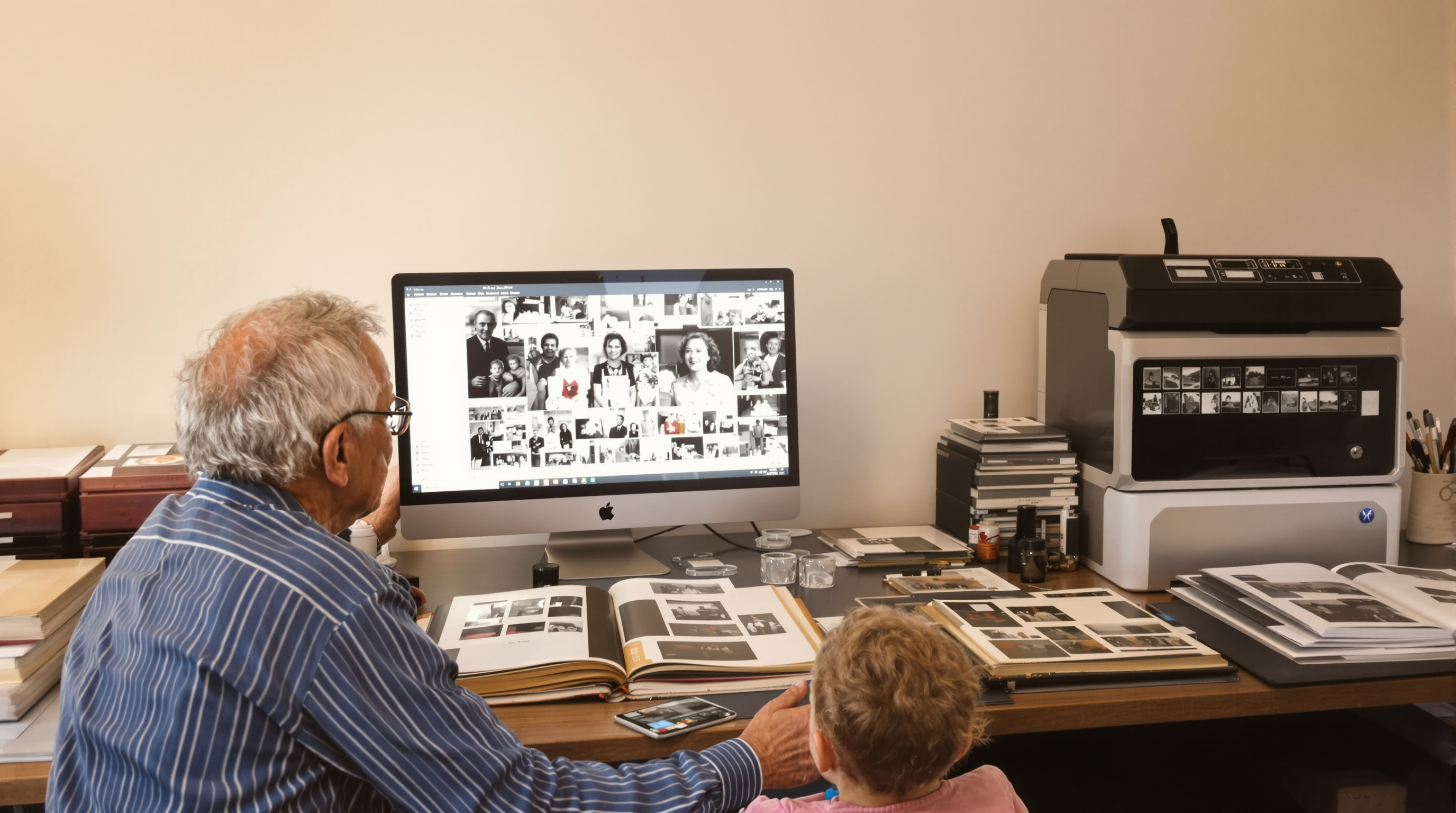
Photo Digitization & Preservation in Louisville
Many family memories still live in old albums, slides, and film strips. Over time they fade, bend, or get lost. Turning them into high-quality digital files keeps those moments safe and easy to share with your whole family—now and in the future.
Why Saving Your Photos Now Matters
Paper photos can turn yellow. Slides and negatives can change color. Heat, light, and humidity make damage faster. A quick spill or a basement leak can ruin a whole box at once.
- Light fades colors and details
- Humidity causes warping and mold
- Sticky albums and tape leave stains
- Scratches and fingerprints mark the surface
- Floods and fires can destroy everything
Digitizing now gives you safe backups you can copy, share, and store in more than one place.
How Professional Digitization Works
Local pros in Louisville (St. Matthews, the Highlands, Jeffersontown) use high-end scanners and careful handling to capture every detail without harming your originals.
For prints, typical steps include:
- • Clean, flat handling and sorting
- • 600–1200 dpi scanning for sharp results
- • Basic dust removal and color fix
- • Files in TIFF (archival) and JPEG (easy sharing)
For slides and negatives, labs use:
- • Dedicated film scanners for 35mm and medium format
- • Digital ICE for dust/scratch cleanup
- • Careful color and contrast correction
Want simple storage tips from a trusted source? See the U.S. National Archives guide to caring for family photos.
Fixing Damaged Photos
Many “ruined” photos are not lost at all. Techs can repair tears, stains, and fading. They can rebuild missing corners and improve faces and skies so the picture looks clear again—without touching your original.
- Tear and crease repair
- Color and contrast restore
- Water-damage cleanup
- Rebuilding small missing areas
Easy Ways to Share Your Digitized Memories
Once your images are digital, it’s simple to make gifts and keepsakes for the whole family.
- • Photo books by year or event
- • Slideshows with music for holidays
- • Framed reprints of restored photos
- • Wall art and canvas prints
- • USB drives for every sibling
- • Private cloud folders for the whole family
Need more ideas? Check our local post on organizing and sharing scans: Photo digitization tips & project ideas.
How to Get Started (Quick Checklist)
- Sort gently: Keep photos flat; don’t peel stuck items.
- Make groups: Label by year, person, or event.
- Pack safely: Use clean envelopes/folders—no tape or paper clips.
- Ask your lab: Confirm scan dpi, file types, and turnaround.
- Backup twice: Save files to an external drive and the cloud.
Conclusion
Digitizing now protects your family’s story. With careful scanning, light restoration, and smart backups, your photos will be easy to view, share, and enjoy—today and for the next generation.
Ready to preserve your memories? Bring your albums, slides, and negatives to a trusted Louisville pro.
Start Your Project